Write it down before you forget.
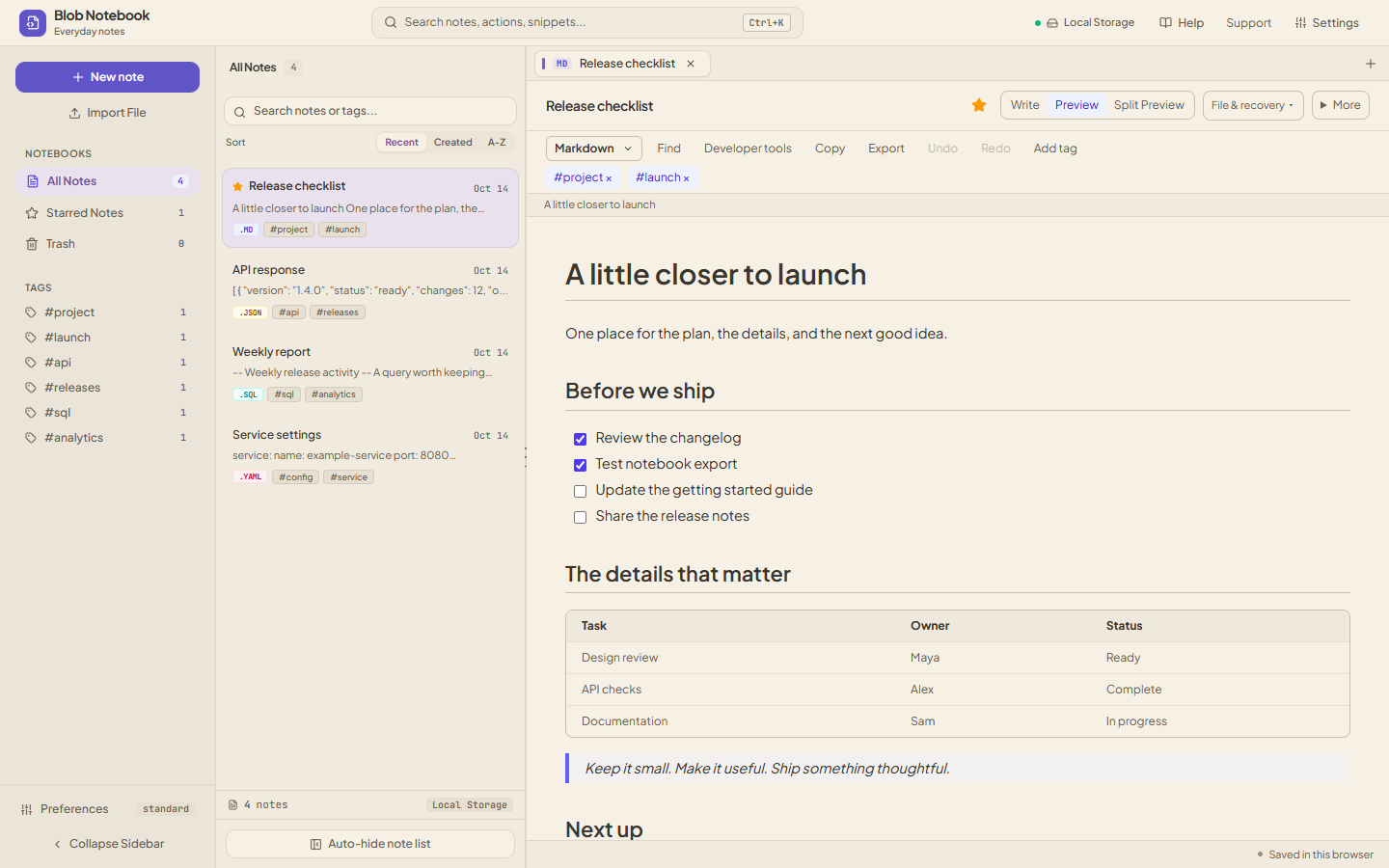
Use Markdown for notes, lists, and tables. Add a tag or star a note so it’s easy to find later.
Before the release
A notebook in your browser, saved locally
Format JSON. Beautify SQL. Compare text. Convert data.
Everything stays in your browser.
Private notes. No cloud storage.How privacy works →
No account neededSaved in your browserFreeNo Ads
Screenshots from the app, using sample notes. Select one to see it in full size.
WHAT YOU CAN DO
Write notes, tidy up a query, or check what changed in a file.
Use Markdown for notes, lists, and tables. Add a tag or star a note so it’s easy to find later.
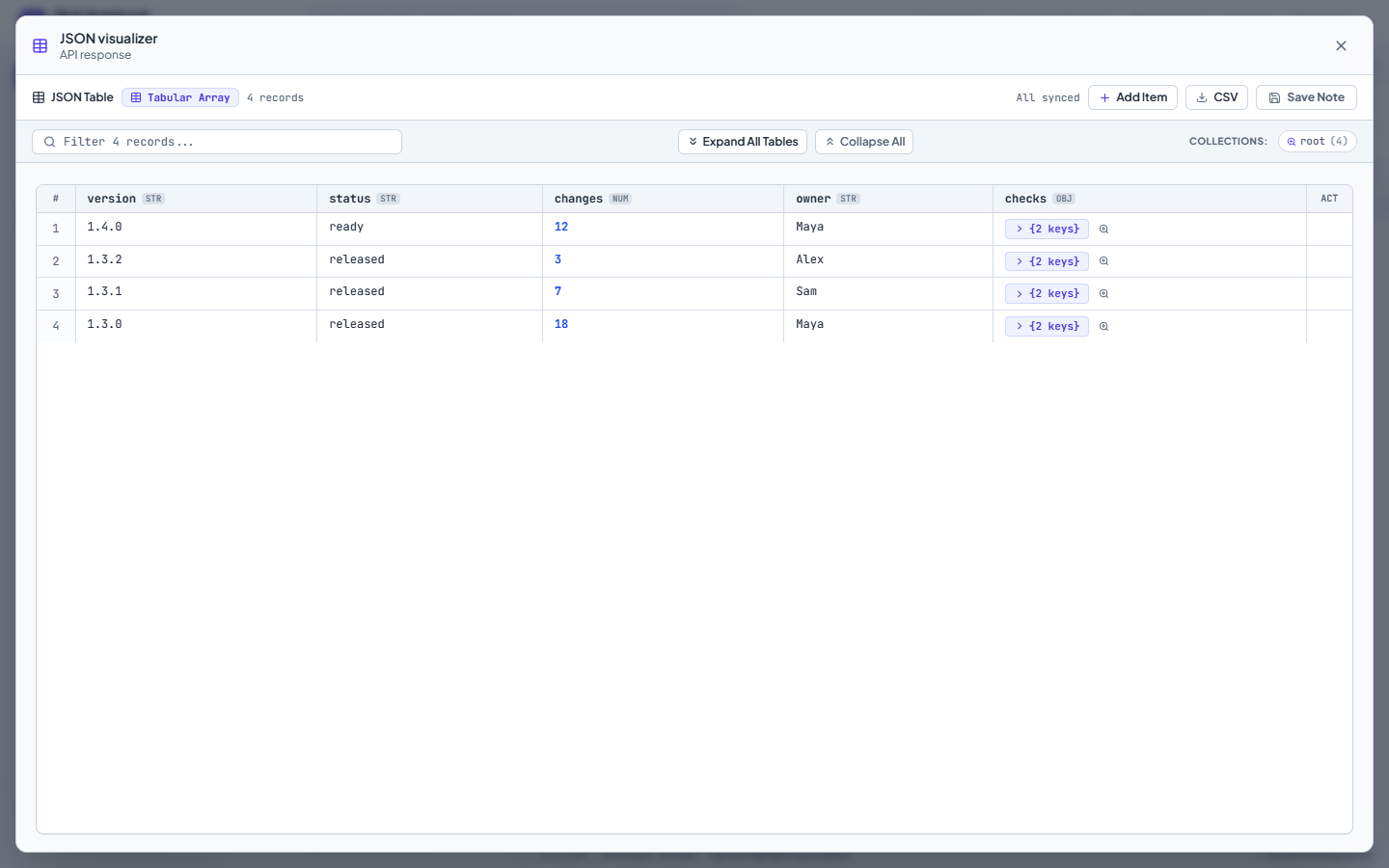
Turn an API response into a table. Filter rows, explore nested values, and export to CSV.
[
  { "version": "1.4.0", "ready": true },
  { "version": "1.3.2", "ready": true }
]| version | ready |
|---|---|
| 1.4.0 | true |
| 1.3.2 | true |
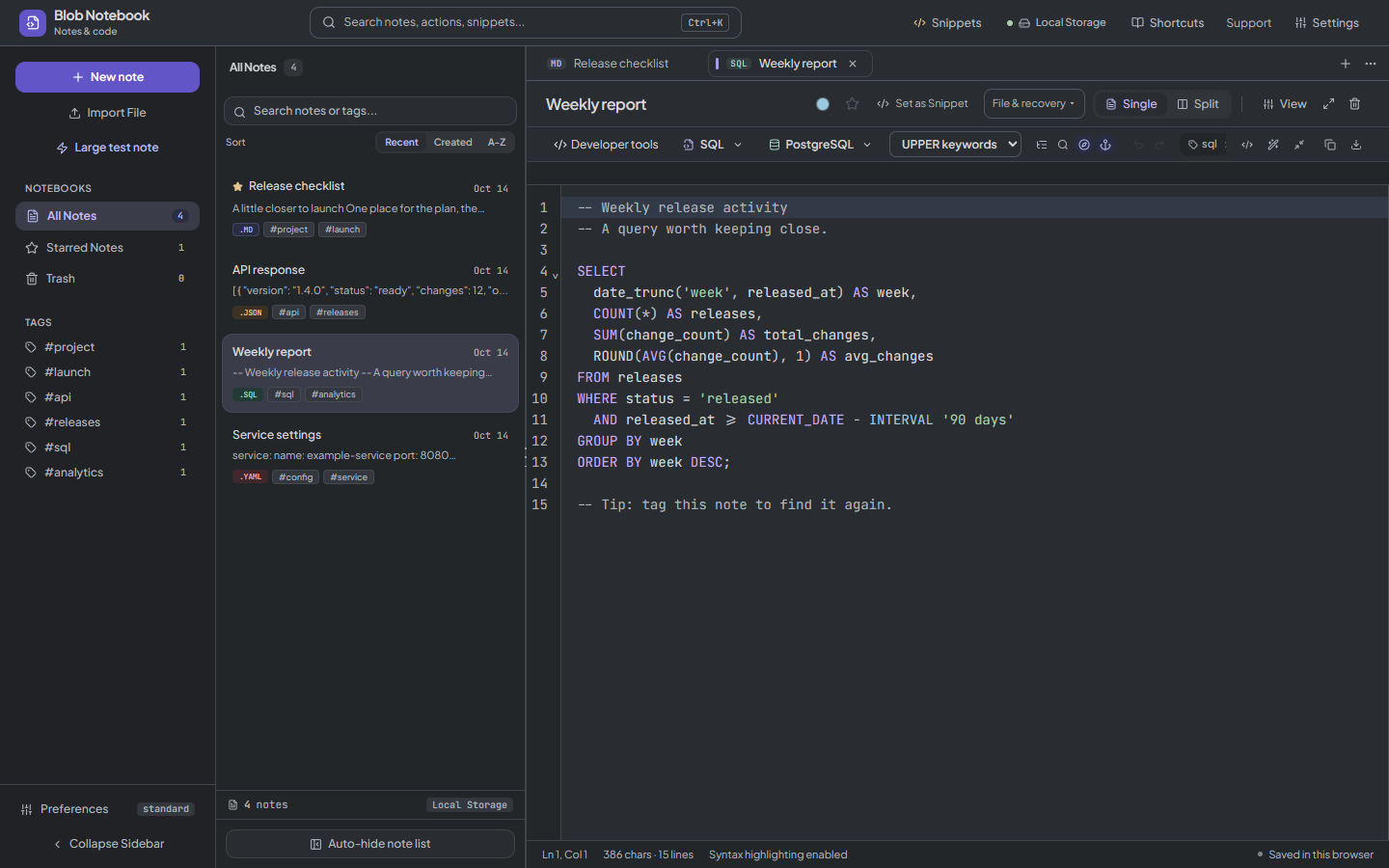
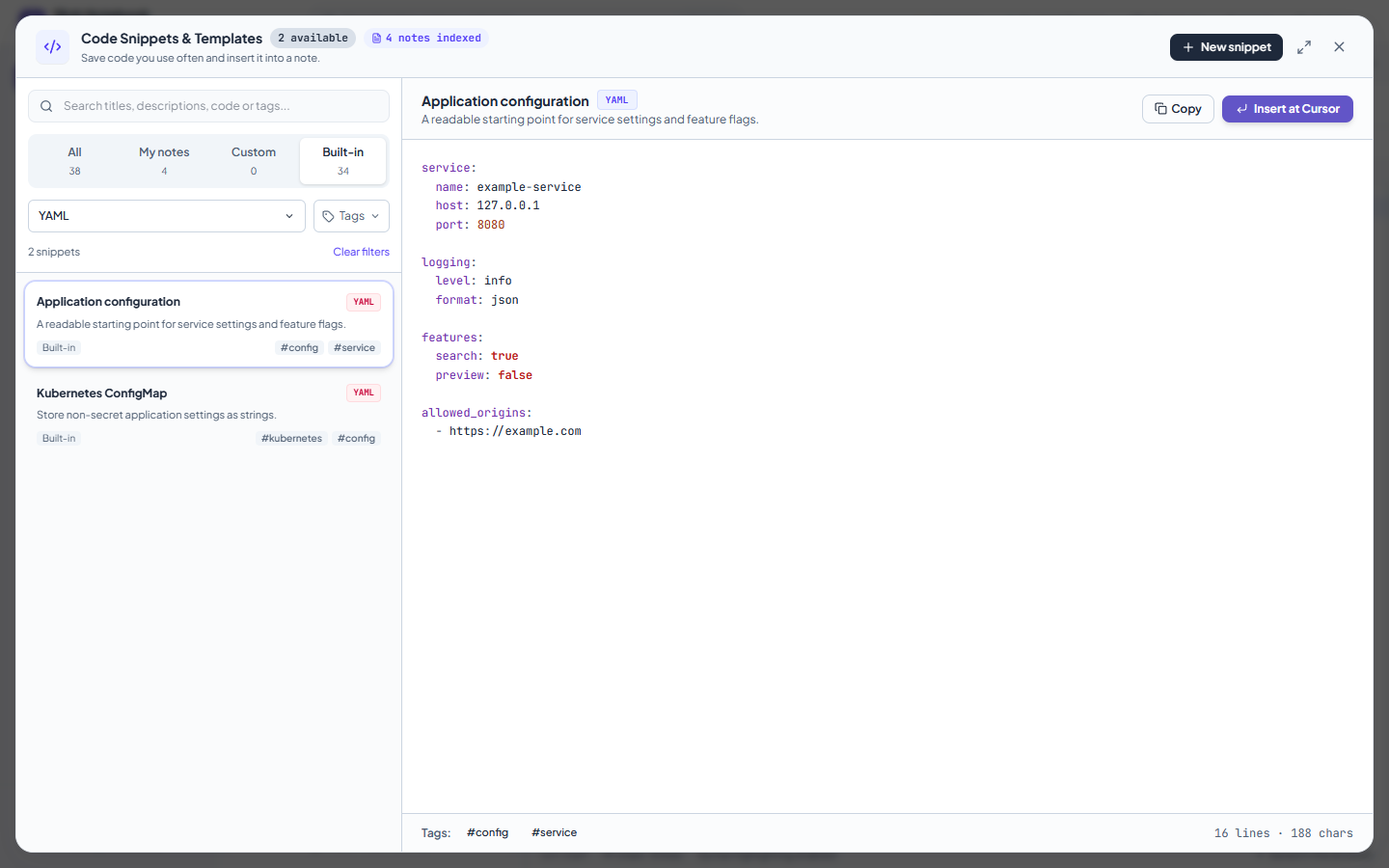
Keep queries, scripts, and config files alongside your notes. Choose from 16 language modes, including YAML, TOML, Go, and Terraform/HCL. Reuse a built-in template or save your own snippet.
SELECT week, COUNT(*) AS releases
FROM releases
WHERE status = 'released'
ORDER BY week DESC;Compare text side by side. See what changed in a config, a query, or the next draft.
release: 1.3.2
− status: draft
checks: passed
release: 1.4.0
+ status: ready
checks: passed
SMALL TOOLS, READY WHEN YOU NEED THEM
Developer tools that run in your browser. No uploads or account needed.
Switch between JSON and YAML or CSV and JSON. Encode Base64 and URLs, or escape a string.
Test a regex, decode a JWT, or convert a timestamp into common date and time formats.
Format XML or escape and unescape strings. In the notebook, choose Developer tools from the editor toolbar or right-click a selection.
Browse all developer tools →Drafts stay in this browser. Save results to your notebook or download a copy.
SAVED ON THIS DEVICE
Your notes stay in this browser, on this device. Writing, formatting, and JSON tools run locally. The app doesn’t upload your notebook to us or store it in a cloud database.
Use File & recovery in the editor to open a local file, save a copy, or review earlier versions. Keep a notebook backup to move your notes and snippets to another browser.
How your notes stay privateClearing this site’s browser data removes saved notes. Keep a backup of anything you need.
FIND YOUR STARTING POINT
Try the real editor on a guide page, load an example, and keep working in your notebook. Markdown and HTML previews block external resources until you choose to enable them.
A plain text editor for a quick thought, a pasted log, or a longer draft. Your notes save locally.
Write a README or a checklist, then preview headings, tables, and fenced code.
Format a response, explore it as a table, edit values, and export rows to CSV.
Keep queries readable with PostgreSQL, MySQL, SQLite, BigQuery, and other dialects.
Keep JavaScript, TypeScript, Python, HTML, CSS, C++, Rust, Go, and shell snippets together.
Set up offline editing, understand browser saving, and keep a backup you can move.
Browse all 16 language modes, including YAML, TOML, and Terraform/HCL →Learn to compare text and JSON →
COMMON QUESTIONS
How saving, backups, and offline access work.
Yes. Blob Notebook is the full name; Blob Notes is the short name. Both refer to this free browser notebook for plain text, Markdown, and code.
No. It’s free, and you can start writing as soon as you open it. Choose Everyday notes for a simpler layout, or Notes & code if you want the code tools too. Both layouts let you choose and search for a note’s language.
No. Blob Notebook has no note-upload service, cloud note storage, or account. Your notes save in this browser and the editing tools run on your device. Read how privacy, previews, and local backups work.
Your notes and settings are saved in this browser, on this device. They won’t appear in another browser or on another device unless you move them using a backup.
Yes. Open the app online first so it can save the files it needs for offline use. Once that’s finished, you can reopen it in the same browser without an internet connection. Supported browsers also let you install it as an app. Read the offline setup guide.
Yes. Alongside Markdown notes, you can save code snippets, format supported code and SQL, view JSON as a table, and compare text side by side.
There are 16 modes: Markdown, Plain Text, TypeScript, JavaScript, Python, SQL, JSON, HTML, CSS, Bash/Shell, C++, Rust, YAML, TOML, Go, and Terraform/HCL. Search the language chooser by name or file extension, such as .py, .yml, or .tf. Formatting is available for supported languages, including YAML and SQL. Explore the editors and language examples.
Open Settings → Backup & Restore to download a backup of your notebook. Import that file in another browser to move your notes. You can also download notes individually or export JSON tables as CSV.